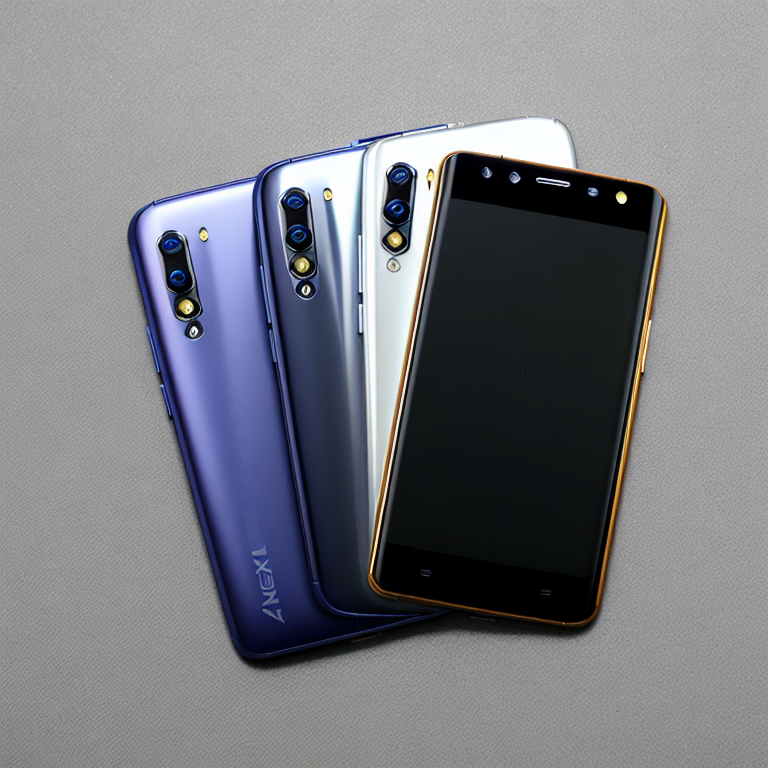
Hey there! If you’re wondering which camera mode on your Vivo Y69 takes the best photos, you’re in the right place. This phone comes with several camera modes, each designed for different situations. Let’s explore them and find out which one works best for you.
#### Beauty Mode: Perfect for Selfies
The Vivo Y69 is known for its great selfie camera, and Beauty Mode is one of its star features. This mode smooths your skin, brightens your face, and can even make your eyes look bigger. It’s perfect for quick selfies when you want to look your best without much effort. However, sometimes it can make your photos look a bit too perfect, almost like a filter. If you like natural-looking photos, you might want to use this mode with a lighter touch.
#### Portrait Mode: Professional-Looking Photos
Portrait Mode is great when you want to take photos of people, especially if you want that professional look where the background is blurry but the person stays sharp. The Vivo Y69 does a pretty good job with this mode, creating a nice depth effect that makes your subject stand out. It works best when there’s good lighting and when your subject isn’t too close to the background. Try this mode for family photos, couple pictures, or when you want to highlight someone in your shot.
#### Professional Mode: For When You Want Control
If you like having control over your photos, Professional Mode is your friend. This mode lets you adjust settings like ISO, shutter speed, and white balance. It’s perfect for when you know what you’re doing or when you want to experiment with photography. With Professional Mode, you can take better photos in tricky lighting situations or create artistic effects. The downside is that it takes more time to set up, so it’s not the best for quick snaps.
#### Night Mode: Low Light Hero
Taking photos in the dark? Night Mode is what you need. This mode helps your camera capture more light, making your photos brighter and clearer when there isn’t much light around. The Vivo Y69’s Night Mode does a decent job, but it works best when there’s at least a little bit of light available. It’s great for indoor photos at night or for capturing cityscapes after sunset. Just remember that photos might look a bit grainy in very dark places.
#### Panorama Mode: For Wide Views
Want to capture a big scene? Panorama Mode stitches together multiple photos to create a wide, sweeping image. This is perfect for landscapes, group photos where everyone needs to fit in, or any time you want to show more than what fits in a regular photo. The Vivo Y69 does a good job with Panorama Mode, but you need to hold the phone steady and move it slowly for the best results.
#### Time-Lapse and Slow Motion: For Creative Videos
While not exactly photo modes, Time-Lapse and Slow Motion are worth mentioning. Time-Lapse speeds up long events into short videos, perfect for sunsets or busy streets. Slow Motion lets you capture fast actions in detail, great for sports or fun moments with friends. These modes add creative options to your Vivo Y69’s camera.
#### Which Mode Takes the Best Photos?
So, which mode is the best? It really depends on what you’re shooting. For everyday photos, the default Auto mode usually does a great job. For selfies, Beauty Mode is fun but use it carefully if you want natural results. Portrait Mode is excellent for people photos, while Professional Mode gives you the most control. Night Mode is your go-to for low light, and Panorama Mode is perfect for wide scenes.
The truth is, there isn’t one “best” mode – each has its strengths. The key is to match the mode to what you’re trying to capture. Experiment with different modes to see which ones you like best. Your Vivo Y69 has a lot of potential, and understanding these modes will help you take better photos in any situation.
#### Tips for Better Photos
No matter which mode you use, a few tips can help you get better photos. Always try to have good lighting – natural light is usually best. Keep your hands steady or use a tripod for sharper photos. Clean your camera lens regularly. And don’t be afraid to try different angles and compositions. Sometimes the best photo comes from trying something new.
#### Frequently Asked Questions
Q: Does the Vivo Y69 have a manual focus option?
A: Yes, in Professional Mode you can manually adjust focus by tapping on the screen where you want the camera to focus.
Q: Can I use Beauty Mode for photos of objects, not just people?
A: Beauty Mode is designed for faces, so it won’t have much effect on objects. For objects, try Auto or Professional Mode instead.
Q: How do I access different camera modes on my Vivo Y69?
A: Swipe left or right on the camera screen to switch between different modes like Auto, Portrait, Night, etc.
Q: Does Night Mode work for video recording too?
A: No, Night Mode is only for photos. For better video in low light, try to add more light to your scene or use the flash if appropriate.
Q: Why do my Portrait Mode photos sometimes look unnatural?
A: The background blur effect (called bokeh) can sometimes look artificial if the lighting or subject distance isn’t ideal. Try different distances from your subject to the background.
Q: Can I customize the camera modes on my Vivo Y69?
A: The available modes are set by the system, but you can rearrange them in the camera settings to put your favorites first.
#### Conclusion
The Vivo Y69 offers a variety of camera modes to help you capture great photos in different situations. Whether you’re taking selfies with Beauty Mode, creating professional-looking portraits, or experimenting with Professional Mode, there’s a setting for every need. The best way to find your favorite is to try them all and see what works for you. Remember, the best camera is the one you have with you, and with your Vivo Y69, you have a powerful tool for capturing life’s moments. Happy shooting!
Leave a Reply